A Coach's Guide to Accurate Macro Breakdowns in Recipe Books
Master the details of accurate macro entry in HubFit. Learn best practices for ingredient measurement, common tracking mistakes, and verification techniques ...
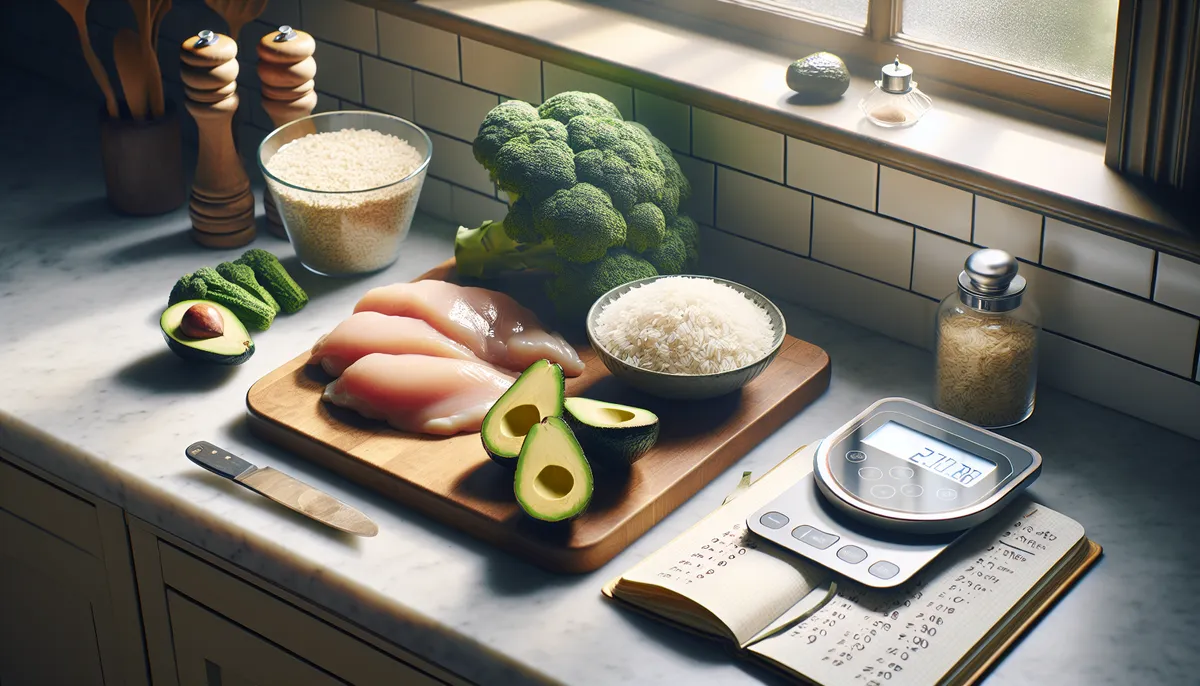
Your client opens your recipe book, sees a “500 calorie” grilled chicken bowl, logs it into their tracking app, and later discovers they actually consumed 650 calories.
This one mistake erodes trust. It’s not malicious, just inaccuracy. And in nutrition coaching, inaccuracy undermines your entire program.
The foundation of a great recipe book isn’t creativity or variety. It’s accurate macro breakdowns that clients can rely on without second-guessing.
Let’s explore how to ensure every recipe in your HubFit recipe book is nutritionally precise.
Watch how HubFit’s Nutrition Builder handles macro breakdowns:
Why Accuracy Matters More Than You Think
When a client chooses your recipe book, they’re making an implicit agreement: “I trust these macros.” That trust is currency in coaching.
Here’s what happens when your macros are inaccurate:
- Clients log your recipes but their real intake drifts from their targets
- Progress slows or stalls, and clients blame themselves (or worse, your program)
- Clients start second-guessing every recipe, defeating the purpose of your resource
- Word spreads: “Her recipes don’t match the claimed macros”
Conversely, when your macros are spot-on:
- Clients hit their targets consistently
- They see measurable progress and attribute it to your guidance
- They recommend your coaching because your tools actually work
- You build a reputation for precision and professionalism
Accurate macros compound into client success.
How Meal Macros Work in HubFit
Before diving into accuracy best practices, let’s clarify how HubFit handles macros:
Ingredient-Level Macros
Each ingredient in HubFit has documented macros:
- Per-unit serving (e.g., 100g chicken breast has 31g protein, 0g carbs, 3.6g fat)
- Per standard serving (e.g., 1 medium egg has 6g protein, 0.4g carbs, 5g fat)
Recipe-Level Aggregation
When you build a recipe in HubFit, you add ingredients with specific quantities. HubFit automatically calculates:
- Carbohydrates (sum of all ingredient carbs)
- Protein (sum of all ingredient proteins)
- Fats (sum of all ingredient fats)
- Calories (calculated from macros: carbs × 4 + protein × 4 + fat × 9)
The macro summary on each meal shows the complete breakdown for the entire recipe. If you enter “150g chicken breast,” HubFit knows that’s 46.5g protein. If you add “2 tbsp olive oil,” that’s 27g fat. The totals are automatically summed.
This ingredient-based approach is powerful because it’s transparent and accurate, if you enter ingredients correctly.
Best Practices for Accurate Ingredient Entry
1. Use Precise Serving Sizes
Don’t estimate. Use standard measures:
- Grams (most accurate for consistency)
- Milliliters (for liquids)
- Standard servings (cups, tablespoons, ounces) only when grams aren’t practical
Example:
- ✅ 150g chicken breast (precise, reproducible)
- ✅ 200ml olive oil (precise)
- ❌ “a handful of rice” (vague, non-reproducible)
- ❌ “1 large chicken breast” (varies wildly, 120-200g range)
2. Distinguish Between Raw and Cooked Weights
This is critical. Ingredients lose water when cooked, changing their weight and thus their macros per gram.
Important: HubFit’s ingredient database typically lists macros based on USDA standards. Most nutritional information is provided per 100g of:
- Raw ingredients (for raw vegetables, proteins)
- Cooked ingredients (for grains like rice or pasta, where this is standard)
When entering recipes:
- Use raw weights for proteins (chicken, beef, eggs) and raw vegetables
- Use cooked weights for grains (rice, pasta, oats after cooking)
- Document which you used so clients can replicate accurately
Example Recipe Entry:
- 150g raw chicken breast (not 110g cooked equivalent)
- 75g uncooked white rice (becomes ~225g cooked, but you log uncooked)
- 100g raw broccoli (not 150g cooked)
3. Account for Cooking Oils and Fats
This is the #1 missed ingredient in recipe tracking.
A pan-seared chicken breast cooked in oil absorbs fat. If you don’t log the oil separately, your recipe’s fat macros will be wildly underestimated.
Best Practice:
- Log oil as a separate ingredient with exact quantity: “2 tbsp olive oil”
- Be realistic: Does a 150g chicken breast actually need 2 tbsp oil to pan-sear? Probably not. Maybe 1 tbsp.
- Sauces, dressings, butter, ghee: all need to be logged separately
Example:
- ❌ “Pan-seared chicken breast” (no oil logged)
- ✅ “150g raw chicken breast + 1 tbsp olive oil for cooking”
4. Include Hidden Macro Sources
Clients often overlook macros hiding in:
Sauces & Dressings:
- A “light” salad dressing is often 5-10g fat per tablespoon
- Pasta sauces vary wildly (3-10g fat per 100g depending on brand)
- Marinades often contain oil
Cooking Methods:
- Breading or batter adds carbs and fat
- Glazes add carbs
- Cream-based sauces add fat
Seasonings & Condiments:
- Most have negligible macros, but collectively they add up
- Peanut butter (1 tbsp = 8g fat) is often “forgotten” from toast recipes
When building recipes, ask: “What else is in this meal that contributes macros?” Be thorough.
Common Mistakes That Destroy Accuracy
Mistake 1: Eyeballing Portions
“I used about 2 cups of rice” is not an entry. Weigh it. A “cup” can be 150-200g depending on how densely it’s packed.
Mistake 2: Using Nutrition Labels Directly Without Verification
Nutrition labels are notoriously inconsistent. When possible, reference USDA databases or HubFit’s ingredient library for standard foods.
Mistake 3: Not Accounting for Recipe Yield
If a recipe serves 4 and you logged the total ingredients without dividing, clients will quadruple their macros when they eat one serving.
Always specify: “This recipe serves 4. Macros shown per serving.”
Mistake 4: Rounding Throughout the Entry
You log 15.3g protein for ingredient 1, round to 15. Then 12.7g for ingredient 2, round to 13. The rounding errors compound.
Better approach: Log the exact values HubFit gives you, and let the total be what it actually is. Rounding happens at the final total if needed.
Mistake 5: Copy-Pasting Macros from Unreliable Sources
Blog posts and recipe websites often have wildly inaccurate nutrition information. Use:
- USDA FoodData Central (authoritative)
- HubFit’s ingredient database (curated)
- Nutrition facts labels from the product you actually use
- Verified tracking apps with large databases
How to Verify Your Macro Totals
Step 1: Re-Entry Spot Check
Rebuild one of your existing recipes from scratch. Does the new total match the old one? If not, something was logged inaccurately.
Step 2: Sanity Check Against Reference Meals
Compare your recipe to similar meals:
- A 150g chicken breast with rice and vegetables should be in the 400-500 calorie range
- A bowl of pasta with marinara should be 350-450 calories
- An omelet with cheese and veggies should be 300-400 calories
If your recipe is drastically different, dig into why.
Step 3: Client Feedback Loop
When clients log your recipes, ask: “Does this feel accurate to you? Does hitting your targets work when using these meals?”
Their real-world feedback is the ultimate accuracy test. If clients consistently run high or low versus their targets when using your recipes, revisit your macro entries.
The HubFit Advantage for Accuracy
HubFit’s ingredient-based macro system is designed precisely for this: accuracy through transparency.
Every macro in your recipe can be traced back to a specific ingredient with a specific quantity. There’s no hidden rounding, no vague estimations. This transparency makes it easy to audit your own work and catch errors.
Final Thoughts
Building a recipe book is easy. Building one that clients can trust? That requires discipline.
Spend the extra 5 minutes per recipe verifying portions, logging oils, and double-checking your ingredient counts. That attention to detail transforms your recipe book from a nice-to-have into a professional tool that drives real results.
Your clients will notice. They’ll hit their targets. And they’ll attribute that success to your precision.
Build Accurate Recipe Books in HubFit
Precision in nutrition coaching starts with accurate recipe macros. HubFit’s ingredient-based tracking system makes it simple to log detailed, traceable, trustworthy recipes.
Start with one recipe today and walk through each ingredient with care. Your clients will feel the difference.
Related Reading:

The HubFit team shares expert insights on training, nutrition, and wellness to help coaches and clients achieve their fitness goals.